
Toyota Highlander Owners Manual: Reading this manual
 Warning Warning:
|
 Notice Notice:
|
 Indicates Indicates
operating or working procedures. Follow the steps in numerical order. |
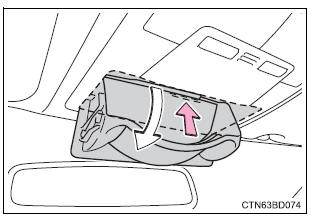
 Indicates the action
(pushing,
turning, etc.) Used to
operate switches and other
devices.
 Indicates the outcome
of an
operation (e.G. A lid opens).
 Indicates the
component or
position being explained.
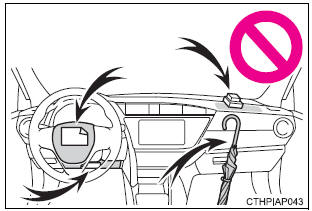
 Means “do not�, “do
not do
this�, or “do not let this happen�.
 For your information
Main owner’s manual
Please note that this manual applies to all models and all equipment,
including
options. Therefore, you may find some explanations for equipment not
installed on your vehicl ...
 How to search
Searching by name
Alphabetical index
Searching by installation position
Pictorial index
Searching by symptom or sound
What to do if...
(Troubleshooting)
Searching by title
Tabl ...
More about Toyota Highlander:
Rear NO.1 Seat ASSY LH (W/rear NO.2 Seat)
COMPONENTS
OVERHAUL
HINT:
The installation procedures are the removal procedures in reverse
order. However, only installation
procedures requiring additional information are included.
A bolt without a torque specification is shown in the standard bolt
chart (see page 03-2 ).
1 ...
